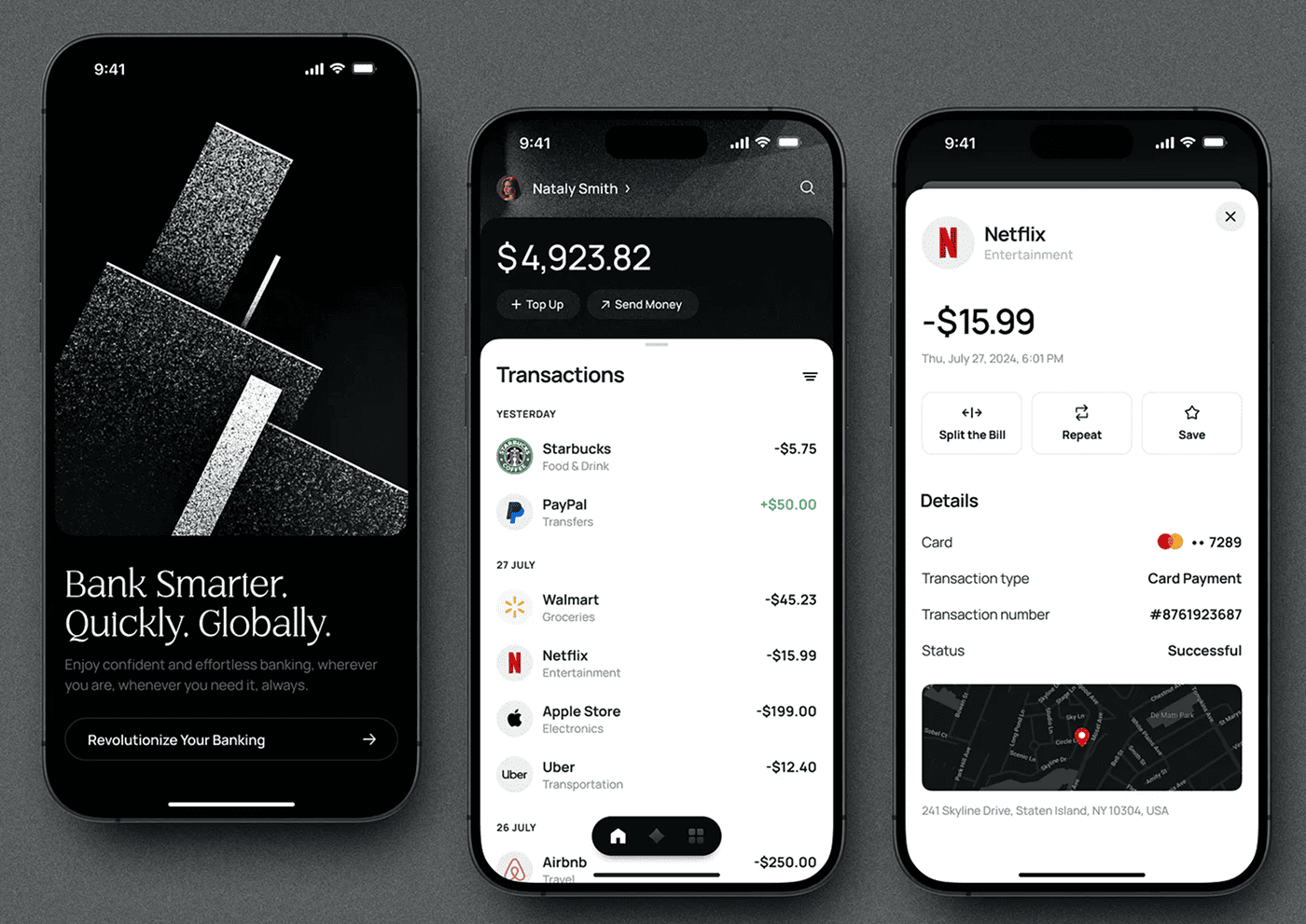
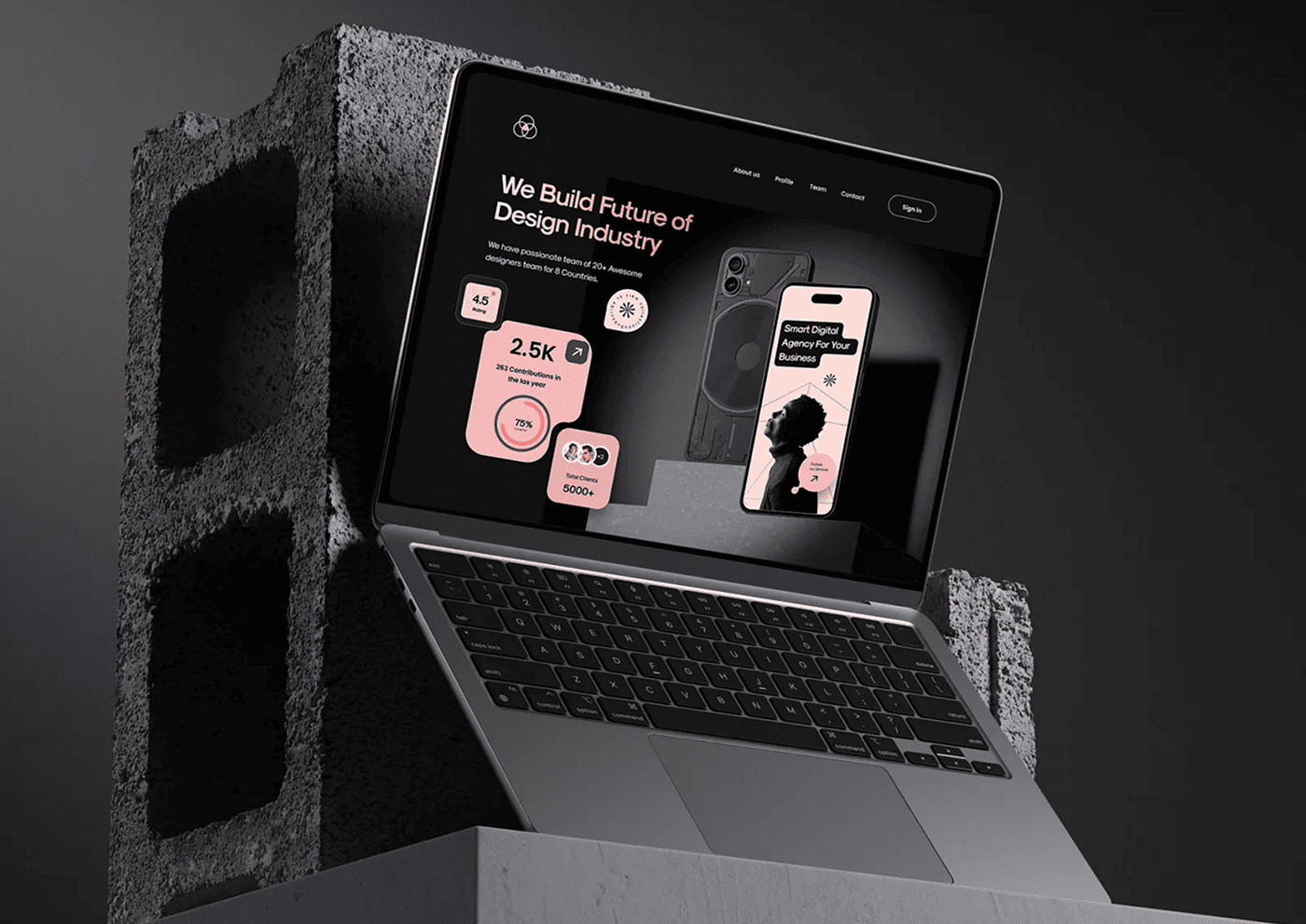
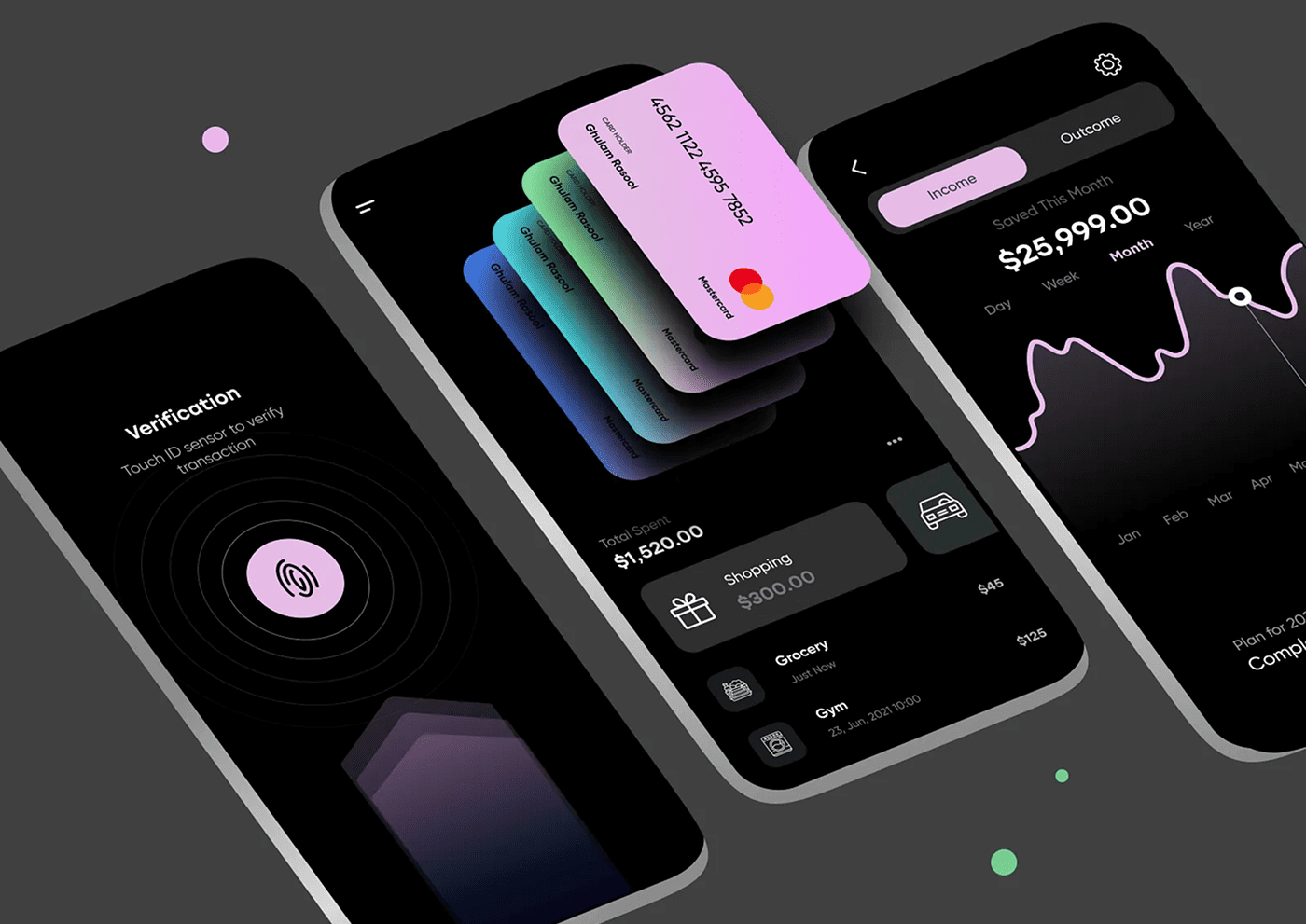
Typography is more than just choosing fonts — it’s about crafting visual clarity and user-friendly reading experiences. Learn how to enhance your UI design with smart, accessible, and beautiful type choices.
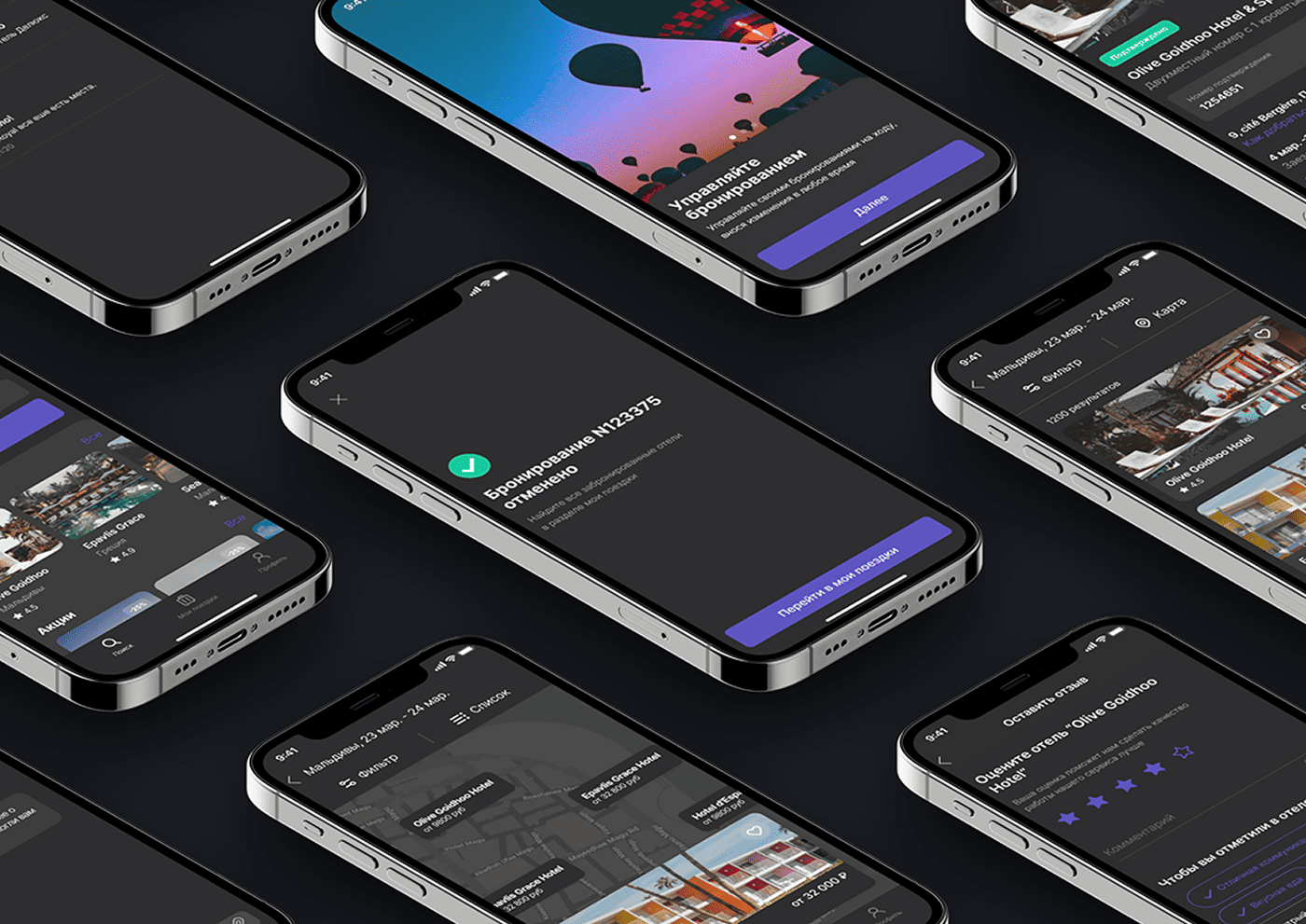
Typography is a cornerstone of UI design that directly impacts how users perceive and interact with your interface. Clean and readable typography improves user experience by making content easier to digest and navigate.
Choose the Right Typeface
Select a font that aligns with your brand personality but prioritizes readability. Sans-serif fonts are popular for digital screens due to their clarity at various sizes. Avoid overly decorative fonts that can distract or confuse users.
Establish a Clear Hierarchy
Use different font sizes, weights, and styles to differentiate headings, subheadings, and body text. A well-defined hierarchy guides users through the content and highlights important information.
“Good typography is invisible — it works silently in the background to guide the reader’s eye and create harmony within the design. When done well, it enhances comprehension and makes the interface feel polished and professional.”
Pay Attention to Line Spacing and Length
Line height (leading) should be sufficient to avoid cramped text, usually around 1.4 to 1.6 times the font size. Keep line length between 45 to 75 characters for optimal readability, preventing fatigue and improving scanning.
Use Contrast Wisely
Ensure text contrasts well with the background. Dark text on a light background is easiest to read, but when using dark themes, adjust colors carefully to maintain legibility without harshness.
Limit Font Variations
Stick to 2-3 font styles in a single design to maintain consistency and avoid clutter. Too many fonts can overwhelm users and dilute your design’s visual impact.
Conclusion
Typography is more than just choosing a pretty font. It’s about creating a visual language that enhances communication, guides users, and elevates the overall user experience. Thoughtful typographic choices can transform your UI into a clear, inviting, and professional space.